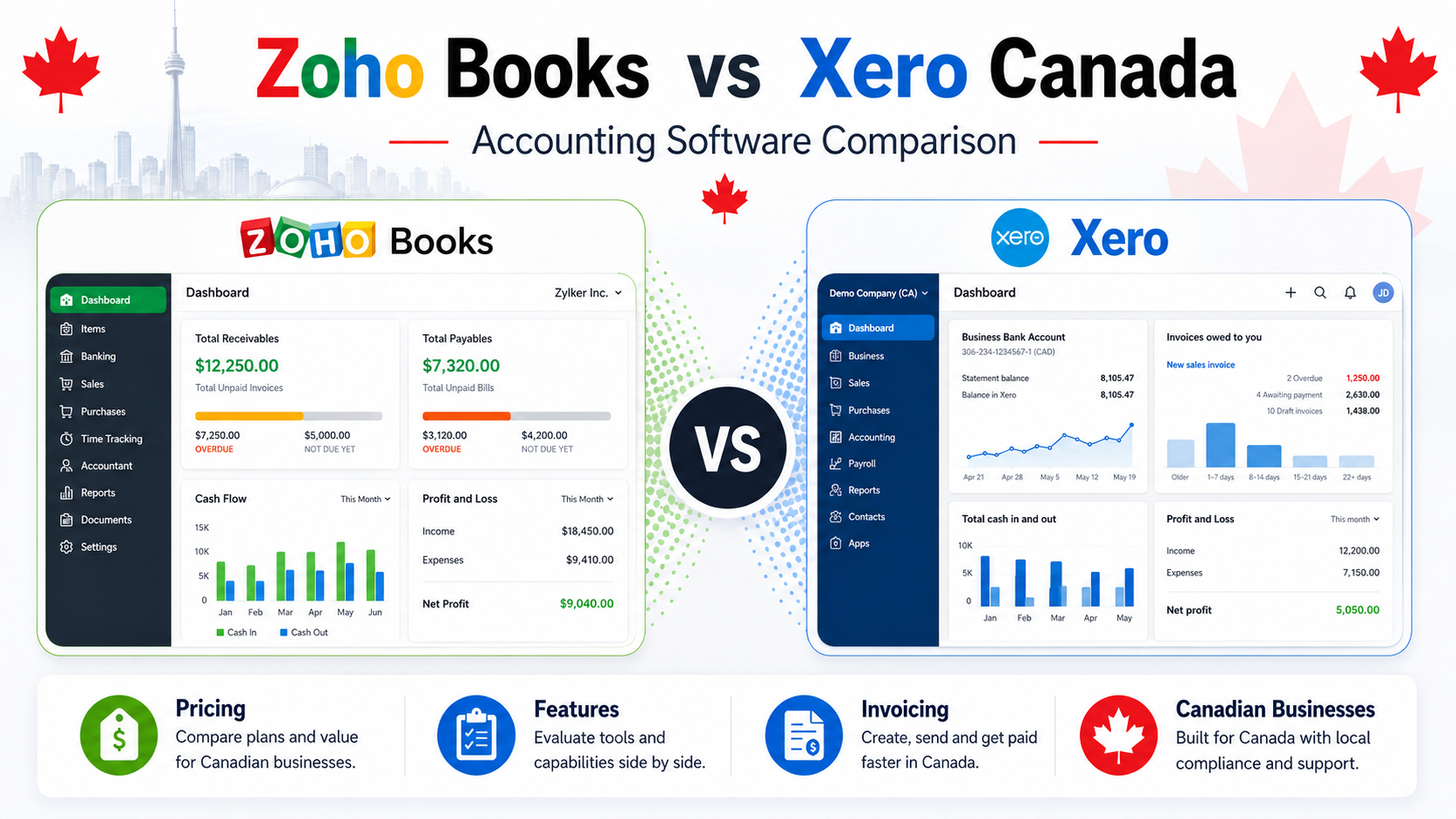
Choosing between Zoho Books and Xero is a common decision for Canadian freelancers, self-employed professionals, and small business owners.
Both platforms are cloud accounting tools. Both can help with invoicing, expenses, reports, tax tracking, bank connections, and financial organization. But they are not built for exactly the same type of user.
Zoho Books is usually stronger for freelancers and small businesses that want affordable accounting software, invoicing, automation, and access to the wider Zoho ecosystem.
Xero is usually stronger for growing businesses that want cloud accounting, bank reconciliation, accountant collaboration, reporting, and a large app ecosystem.
In this Zoho Books vs Xero Canada comparison, we look at pricing, invoicing, accounting features, automation, reporting, ease of use, mobile apps, pros, cons, and the best choice for different types of Canadian businesses.
Quick Comparison: Zoho Books vs Xero Canada
Zoho Books is best for freelancers, consultants, small service businesses, and budget-conscious users who want strong accounting features without overpaying for software.
Xero is best for growing small businesses that want modern cloud accounting, strong bank reconciliation, accountant collaboration, and app integrations.
| Feature | Zoho Books | Xero Canada |
|---|---|---|
| Best For | Freelancers, consultants, small businesses | Growing small businesses and cloud accounting users |
| Pricing Style | Free/paid plans depending on needs | Paid subscription plans |
| Invoicing | Strong | Strong |
| Expense Tracking | Strong | Strong |
| Automation | Strong | Strong |
| Bank Reconciliation | Good | Very strong |
| Reporting | Good to strong | Strong |
| Accountant Access | Yes | Yes |
| App Ecosystem | Strong through Zoho apps | Strong through Xero App Store |
| Ease of Use | Beginner-friendly once set up | Clean but still accounting-focused |
| Best Value For | Freelancers and small businesses that want features for the price | Growing businesses that want cloud accounting depth |
Short Verdict
Choose Zoho Books if you want affordable accounting software with strong invoicing, automation, reports, and small business features.
Choose Xero if you want a full cloud accounting platform with strong bank reconciliation, accountant collaboration, and a large app ecosystem.
For many Canadian freelancers and small service businesses, Zoho Books is the better value.
For growing businesses that need stronger cloud accounting workflows and accountant collaboration, Xero can be the better long-term choice.
If you are comparing Zoho Books vs Xero Canada, the main question is simple:
Do you want the best value for freelancers and small businesses, or do you want a stronger cloud accounting platform for growth?
What Is Zoho Books?
Zoho Books is cloud-based accounting software designed for freelancers, self-employed professionals, and small businesses.
It helps users manage invoices, expenses, estimates, recurring invoices, reports, bank transactions, tax tracking, and customer records.
Zoho Books is part of the larger Zoho ecosystem, which includes tools for CRM, email, forms, projects, subscriptions, marketing, and business management.
This makes Zoho Books useful for businesses that want accounting software but may also need other business tools later.
Zoho Books can help businesses:
- create professional invoices
- send recurring invoices
- track income and expenses
- manage customers
- manage vendors
- connect bank accounts
- track sales tax
- view financial reports
- automate workflows
- manage estimates
- track payments
- organize business finances
Zoho Books is more advanced than a basic invoice app, but it can still be easier and more affordable than larger accounting systems for many small businesses.
Official website: Zoho Books Canada
Best Zoho Books Use Cases
Zoho Books is a good fit for:
- freelancers
- consultants
- self-employed professionals
- sole proprietors
- small service businesses
- small agencies
- budget-conscious users
- businesses that need recurring invoices
- users who want automation
- businesses already using Zoho products
Zoho Books works best when you want a balance between price, features, and ease of use.
Related guide: Zoho Books Review for Freelancers in Canada (2026)
What Is Xero?
Xero is cloud accounting software designed for small businesses, accountants, bookkeepers, and growing companies.
It helps businesses manage invoicing, bank reconciliation, expenses, reports, bills, sales tax, cash flow, and accounting records.
Xero is especially popular with users who want a modern accounting platform that connects with banks, accountants, bookkeepers, and business apps.
Xero can help businesses:
- create invoices
- track expenses
- connect bank accounts
- reconcile transactions
- manage bills
- view financial reports
- collaborate with accountants
- connect with apps
- track cash flow
- manage accounting records online
Xero is not just an invoicing tool. It is a full accounting platform.
That means it can be more than a beginner freelancer needs, but it can be very useful for small businesses that are growing and need stronger financial control.
Official website: Xero Canada
Best Xero Use Cases
Xero is a good fit for:
- growing small businesses
- businesses with accountants
- businesses that need bank reconciliation
- companies using multiple apps
- cloud-first businesses
- service businesses
- businesses that need better reporting
- users comparing QuickBooks alternatives
- businesses that need more than simple invoicing
Xero works best when your business needs proper accounting workflows and not just invoice creation.
Related guide: Xero vs QuickBooks Canada (2026)
Zoho Books vs Xero Pricing Canada
Pricing is one of the most important differences between Zoho Books and Xero.
Both platforms use plan-based pricing, but Zoho Books is often more attractive for freelancers and smaller businesses that want a lower-cost entry point.
Xero can be more attractive for growing businesses that are willing to pay for a full cloud accounting platform.
Exact pricing can change because both companies may adjust plans, promotions, and regional pricing.
That is why it is better to compare value, not only the monthly price.
Zoho Books Pricing
Zoho Books offers multiple plans depending on business size, features, users, invoices, automation, and reporting needs.
Zoho Books is attractive because it gives small businesses a flexible way to start and grow.
Zoho Books can be a good fit if you want:
- affordable accounting software
- professional invoicing
- recurring invoices
- expense tracking
- customer management
- vendor management
- estimates
- reports
- automation
- sales tax tracking
- access to other Zoho tools
For freelancers and small businesses, Zoho Books often feels like a strong value because it includes many useful features without feeling as expensive as some larger accounting platforms.
Xero Pricing
Xero uses paid subscription plans.
Plans can differ by features, usage limits, bill management, reporting, payroll-related options where available, and advanced accounting tools.
Xero can be a good fit if you want:
- cloud accounting
- bank reconciliation
- invoicing
- expense tracking
- bill management
- accountant collaboration
- reports
- app integrations
- cash flow visibility
Xero may cost more than a very simple invoicing tool, but it is built for businesses that need proper accounting workflows.
Pricing Winner
Zoho Books wins for value.
Xero wins if your business specifically needs Xero’s cloud accounting workflow, accountant collaboration, and bank reconciliation strength.
For freelancers and small businesses that want strong features at a reasonable cost, Zoho Books is usually the better value.
For growing businesses that want a full accounting platform with strong cloud workflows, Xero may be worth the cost.
Invoicing Comparison
Both Zoho Books and Xero offer strong invoicing.
The difference is how each platform connects invoices with the rest of the business workflow.
Zoho Books Invoicing
Zoho Books is very strong for invoicing.
It can help users create invoices, send estimates, manage recurring invoices, track payments, and automate reminders.
Zoho Books invoicing is useful for:
- freelancers
- consultants
- agencies
- contractors
- service businesses
- recurring clients
- small businesses that need automation
Zoho Books is especially useful if your business sends recurring invoices or needs automated payment reminders.
It is also a strong choice for users who want invoicing connected with customers, expenses, reports, and workflow automation.
Xero Invoicing
Xero also offers professional invoicing tools.
Xero invoicing is useful for:
- small businesses
- growing businesses
- service providers
- companies with recurring customers
- businesses that want invoices connected to accounting
- users who need bank reconciliation and reports
Xero connects invoices with bank transactions, customer records, reports, payments, and accounting workflows.
It is strong for businesses that want invoicing inside a full accounting system.
Invoicing Winner
Zoho Books wins for many freelancers and service businesses because it offers strong invoicing, recurring invoices, automation, and good value.
Xero is also strong, especially for businesses that want invoicing connected to a broader accounting workflow.
For simple invoicing and automation, Zoho Books has the edge.
Accounting Features Comparison
Both Zoho Books and Xero are real accounting platforms.
They are more advanced than basic invoice apps.
Zoho Books Accounting
Zoho Books includes a strong set of accounting features for small businesses.
Zoho Books can help with:
- income tracking
- expense tracking
- bank connections
- estimates
- invoices
- recurring invoices
- vendor management
- customer management
- sales tax tracking
- financial reports
- automation
- project-related billing on selected plans
Zoho Books is useful for users who want accounting features without making the system feel too heavy.
It is especially strong for freelancers and small businesses that want automation and good value.
Xero Accounting
Xero provides a strong cloud accounting system.
Xero can help with:
- bank reconciliation
- invoicing
- expenses
- bills
- reports
- tax tracking
- accountant collaboration
- app integrations
- cash flow visibility
- business performance tracking
Xero is especially strong for businesses that want cloud accounting, bank reconciliation, and accountant workflows.
It is a good choice when your business needs financial organization beyond simple invoicing.
Accounting Winner
Xero wins for cloud accounting depth and reconciliation workflows.
Zoho Books wins for small business value and practical features for freelancers, consultants, and service businesses.
If your business is still small, Zoho Books may be enough.
If your business is growing and needs stronger accounting workflows, Xero may be stronger.
Bank Reconciliation
Bank reconciliation is one of Xero’s strongest areas.
It helps match bank transactions with accounting records so your books stay accurate.
Zoho Books Bank Reconciliation
Zoho Books supports bank connections and reconciliation workflows.
This can help small businesses keep income, expenses, and transactions organized.
For many freelancers and small businesses, Zoho Books provides enough bank and transaction tracking features.
Xero Bank Reconciliation
Xero is known for strong bank reconciliation.
It is designed to help businesses match transactions efficiently and keep financial records clean.
This is helpful for businesses with many monthly transactions, multiple accounts, or more complex bookkeeping needs.
Bank Reconciliation Winner
Xero wins.
Zoho Books is good, but Xero is stronger for bank reconciliation and cloud accounting workflows.
Automation Comparison
Automation matters because it saves time.
This is especially important for freelancers and small business owners who do not want to spend hours managing invoices, reminders, and bookkeeping tasks.
Zoho Books Automation
Zoho Books is strong in automation.
It can help with:
- recurring invoices
- payment reminders
- workflow rules
- automated notifications
- recurring expenses
- customer follow-ups
- business process automation
This makes Zoho Books attractive for freelancers and small businesses that want to save time without paying for overly complex software.
Xero Automation
Xero also includes automation features.
It can help with:
- bank transaction matching
- invoice reminders
- recurring invoices
- bill management
- data capture through integrations
- connected accounting workflows
Xero’s automation is especially useful for accounting workflows and bank-related tasks.
Automation Winner
Zoho Books wins for small business workflow automation.
Xero wins for accounting workflow automation and reconciliation.
Overall, Zoho Books may feel more practical for freelancers and small service businesses that want easy automation.
Reporting Comparison
Reports help business owners understand profit, expenses, cash flow, taxes, and performance.
Both Zoho Books and Xero offer reporting tools.
Zoho Books Reporting
Zoho Books provides useful reports for small businesses.
Zoho Books reports may include:
- profit and loss
- cash flow
- tax reports
- sales reports
- expense reports
- customer balances
- invoice reports
- business performance reports
These reports are enough for many freelancers, consultants, and small businesses.
Zoho Books gives users good visibility without making reporting feel too complicated.
Xero Reporting
Xero also provides strong reports.
Xero reports may include:
- profit and loss
- balance sheet
- cash flow
- aged receivables
- aged payables
- sales tax reports
- business performance reports
- financial summaries
Xero reporting is strong for businesses that need accounting-level insights and collaboration with accountants.
Reporting Winner
Xero wins for accounting-focused reports.
Zoho Books is strong enough for many freelancers and small businesses.
If you need deeper accounting visibility, Xero may be stronger.
If you want practical reports without too much complexity, Zoho Books is a strong choice.
Ease of Use
Ease of use matters because accounting software only works if you actually use it.
Zoho Books Ease of Use
Zoho Books is fairly beginner-friendly once it is set up.
It has many features, but the platform is still practical for freelancers and small businesses.
Zoho Books is easier if you want:
- simple invoicing
- recurring invoices
- customer tracking
- basic accounting
- automation
- reports
- affordable software
It may take some time to learn all features, but most small business owners can start with the basics and grow into the platform.
Xero Ease of Use
Xero has a clean cloud-based interface.
Many users like Xero because it feels modern and organized.
However, Xero is still full accounting software. It may require setup help, especially if you are new to bookkeeping.
Xero is easier if you already understand accounting basics or work with an accountant.
Ease of Use Winner
Zoho Books wins for freelancers and small businesses that want practical tools without too much complexity.
Xero wins for users who prefer a clean cloud accounting interface and are comfortable with more advanced bookkeeping workflows.
For beginners, Zoho Books may be easier to start with.
Mobile App Comparison
Both Zoho Books and Xero offer mobile access.
This matters for business owners who want to manage invoices, expenses, and accounting tasks while away from a computer.
Zoho Books Mobile App
Zoho Books has mobile apps that can help with:
- invoices
- estimates
- expenses
- customer records
- payments
- reports
- business tracking
This is useful for freelancers, consultants, and small business owners who need to manage work on the go.
Xero Mobile App
Xero also offers mobile tools for:
- invoicing
- expenses
- receipts
- bank transactions
- contacts
- business visibility
Xero’s mobile experience is useful for cloud accounting users who want access to important business data from their phone.
Mobile App Winner
Both are good.
Zoho Books may be better for freelancers who want simple mobile invoicing and business management.
Xero may be better for users who want mobile access to cloud accounting workflows.
Integrations and Ecosystem
Integrations matter when your accounting software needs to connect with other business tools.
Zoho Books Integrations
Zoho Books connects well with the wider Zoho ecosystem.
This can be very useful if your business uses or plans to use tools like:
- Zoho CRM
- Zoho Invoice
- Zoho Projects
- Zoho Forms
- Zoho Mail
- Zoho Analytics
- Zoho Inventory
- Zoho Subscriptions
This is one of Zoho Books’ biggest advantages.
If you want multiple business tools under one software ecosystem, Zoho Books can be a smart choice.
Xero Integrations
Xero has a strong app ecosystem.
It can connect with many third-party apps for ecommerce, payments, reporting, inventory, CRM, payroll, project management, and business operations.
Xero is strong if your business depends on multiple external apps and needs accounting software that can connect with them.
Integrations Winner
Zoho Books wins if you want to stay inside the Zoho ecosystem.
Xero wins if you want a large third-party app ecosystem around cloud accounting.
The better choice depends on your business tools.
Zoho Books Pros and Cons
Zoho Books Pros
- strong value for freelancers and small businesses
- good invoicing tools
- recurring invoices
- useful automation
- sales tax tracking
- good reports
- part of the Zoho ecosystem
- good for consultants and service businesses
- easier entry point than many advanced accounting platforms
Zoho Books Cons
- may take time to learn all features
- not as widely used by accountants as some larger accounting platforms
- some advanced tools depend on plan
- may feel bigger than needed for very simple invoice-only users
Xero Pros and Cons
Xero Pros
- strong cloud accounting platform
- very strong bank reconciliation
- good reporting
- accountant collaboration
- strong app ecosystem
- useful for growing businesses
- clean interface
- good alternative to QuickBooks
Xero Cons
- paid subscription required
- may be too advanced for simple freelancers
- setup can take time
- may require accountant or bookkeeper support
- not always the cheapest option
- can feel accounting-heavy for beginners
Which Is Better for Freelancers?
For freelancers, Zoho Books is usually the better choice.
Zoho Books is better if you:
- send invoices
- need recurring invoices
- want affordable accounting software
- track expenses
- manage clients
- want automation
- need reports
- want a tool that can grow with your business
Xero can still work for freelancers, but it may be more than needed if your business is simple.
Xero is better for freelancers who:
- have many transactions
- work with an accountant
- need strong bank reconciliation
- want cloud accounting depth
- plan to grow into a larger business
Freelancer Winner
Zoho Books wins for most freelancers.
Xero is better for advanced freelancers with more complex accounting needs.
Which Is Better for Small Businesses?
For small businesses, the answer depends on business stage.
Zoho Books is better for small businesses that want:
- good value
- invoicing
- expenses
- automation
- reports
- customer management
- simple accounting workflows
- access to the Zoho ecosystem
Xero is better for small businesses that want:
- stronger cloud accounting
- bank reconciliation
- accountant collaboration
- third-party app integrations
- deeper bookkeeping workflows
- better accounting structure as the business grows
Small Business Winner
Zoho Books is better for smaller businesses that want value and practical features.
Xero is better for growing businesses that need more accounting depth.
Which Is Better for Service Businesses?
Service businesses often need invoicing, estimates, recurring billing, expenses, time-related billing, and customer management.
Zoho Books is a strong fit for service businesses because it combines invoicing, customer management, automation, and reports.
Xero can also work well if the service business has more complex accounting needs or works closely with an accountant.
Service Business Winner
Zoho Books wins for many service businesses.
Xero is better when accounting complexity becomes more important than client billing simplicity.
Best Alternative to Zoho Books and Xero
Zoho Books and Xero are strong tools, but they are not the only options.
QuickBooks
QuickBooks is one of the most recognized accounting platforms in Canada.
It is a strong option for businesses that want accountant-friendly workflows, detailed reports, tax organization, and advanced accounting features.
Related guide: Xero vs QuickBooks Canada (2026)
Related guide: Zoho Books vs QuickBooks for Freelancers in Canada (2026)
Wave
Wave is a good option for freelancers and very small businesses that mainly need simple invoicing and basic accounting.
It is easier than both Zoho Books and Xero for users with very simple needs.
Related guide: Wave vs QuickBooks Canada (2026)
FreshBooks
FreshBooks is a strong option for service-based businesses that need invoicing, time tracking, expenses, and client billing.
It can be a good alternative if your main focus is client work instead of full accounting depth.
Related guide: Best QuickBooks Alternatives Canada (2026)
Overall, this zoho books vs xero canada comparison shows that Zoho Books is usually better for freelancers and small businesses that want value and automation, while Xero is stronger for growing businesses that need cloud accounting depth and bank reconciliation.
Related guide: Best Accounting Software for Small Business Canada (2026)
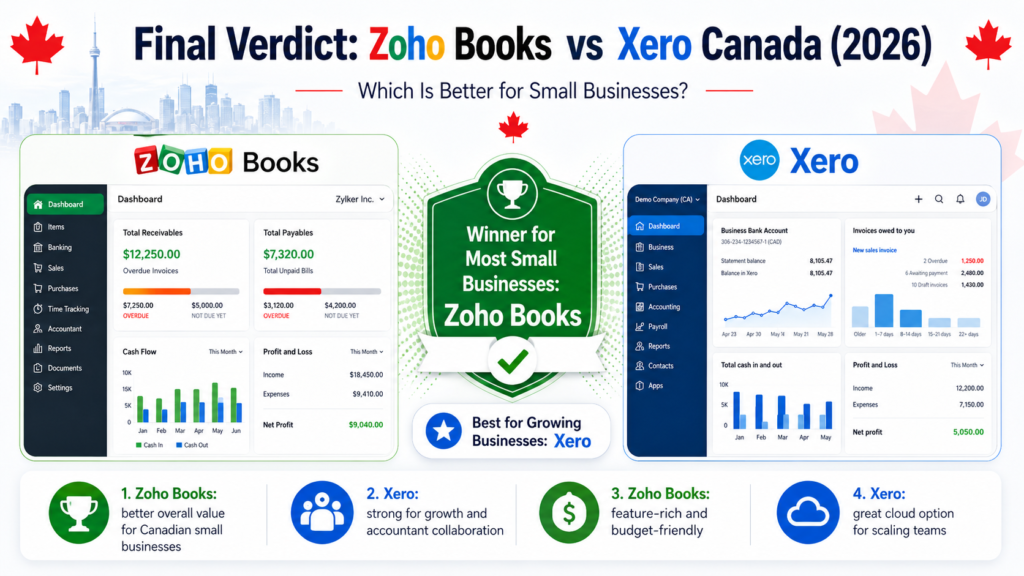
Final Verdict: Zoho Books vs Xero Canada
Zoho Books and Xero are both strong accounting software options for Canadian small businesses.
This Zoho Books vs Xero Canada comparison shows that the best choice depends on your budget, business size, accounting needs, and preferred workflow.
Choose Zoho Books if you want affordable accounting software with strong invoicing, automation, reports, and small business features.
Choose Xero if you want a full cloud accounting platform with strong bank reconciliation, accountant collaboration, and a large app ecosystem.
For most freelancers, consultants, and small service businesses, Zoho Books is usually the better value.
For growing businesses with more complex accounting needs, Xero may be the stronger long-term option.
If you are still unsure, start by comparing your business needs:
If you want value and automation, choose Zoho Books.
If you want cloud accounting depth and reconciliation strength, choose Xero.
If both feel too advanced, compare Wave or FreshBooks.
If your accountant prefers QuickBooks, compare QuickBooks before making the final decision.
Frequently Asked Questions
Is Zoho Books better than Xero?
Zoho Books can be better for freelancers and small businesses that want affordable accounting software, invoicing, automation, and good value. Xero can be better for growing businesses that need stronger cloud accounting and bank reconciliation.
Is Xero better than Zoho Books?
Xero can be better if your business needs strong bank reconciliation, accountant collaboration, cloud accounting workflows, and app integrations. Zoho Books may be better if you want value and easier small business automation.
Which is cheaper, Zoho Books or Xero?
Zoho Books is often more attractive for budget-conscious users and smaller businesses. Xero is usually positioned as a paid cloud accounting platform for businesses that need stronger accounting workflows. Always check current pricing on the official websites before choosing.
Is Zoho Books good for Canadian businesses?
Yes. Zoho Books can be a good fit for Canadian freelancers and small businesses that need invoicing, expenses, tax tracking, reports, and automation.
Is Xero good for Canadian businesses?
Yes. Xero can work well for Canadian small businesses that need cloud accounting, bank reconciliation, reports, and accountant collaboration.
Which is better for freelancers in Canada?
Zoho Books is usually better for freelancers because it offers strong invoicing, automation, accounting features, and value. Xero may be better for freelancers with more complex accounting needs.
Which is better for small businesses in Canada?
Zoho Books is better for smaller businesses that want practical features and value. Xero is better for growing businesses that need deeper cloud accounting workflows.
Can Zoho Books replace Xero?
Zoho Books can replace Xero for many freelancers and small businesses, especially if they need invoicing, automation, expenses, and reports. Businesses with complex accounting needs should compare both carefully.
Can Xero replace Zoho Books?
Xero can replace Zoho Books if your business needs stronger accounting workflows, reconciliation, accountant collaboration, and app integrations.
What is the best alternative to Zoho Books and Xero?
QuickBooks is a strong alternative for businesses that want accountant familiarity and advanced reporting. Wave is better for simple invoicing and basic accounting. FreshBooks is useful for service businesses and client billing.